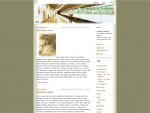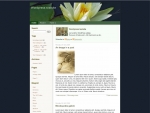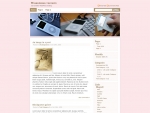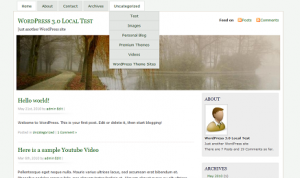
Following up to my previous post, I have updated the ever popular MistyLook theme to add support for Custom Menu when using WordPress 3.0 and above.
Please download the new version[MistyLook 3.8RC] and install it.
Your feedback will help make it better.
One problem I notice right away is that when I try to install the new theme (I have the 3.72 one currently) is that it will not install it as it says the folder already exists. So I have to try and figure out how to manually do it and that is something I do not want to try for fear of creating all sorts of problems.
Just curious, I downloaded the update for Mistylook and installed. But it’s still saying that it’s 3.7.2. Anyone know why?
Thank you for enabling the drop down menu compatability with WP 3.0!
My existing blog migrated to 3.8RC without the HOME menu button. I used the Menu builder function in WP 3.0 to restore the menu with a HOME tab and rename it BLOG. Don’t be afraid to use this feature. Just 1.) create a new menu 2.)add all the menu elements and then you can drag the 1st level items to a grouping 3.) indent the sub level menu elements by clicking and dragging slightly to the right 4.) enable you new menu as the one to display.
By the way, the Forum links are redirecting to the Sadish Home page and teh forum appears to be offline.
Another thing I have noticed is that I now have something like 33 HTML errors now were I did not before.